
How to Make Your Battery Last Longer: Simple Tips That Actually Work!
In today’s digital world, our phones, laptops, and tablets are constant companions. Whether it’s for work, school, or staying connected with loved ones, a weak battery can be frustrating and annoying. The good news is that you don’t need to be a tech expert to extend your battery life. With a few smart habits and simple adjustments, you can make your battery last longer and optimized over time.
1. Adjust Your Screen Settings
The screen is one of the biggest battery drainers. Lowering your screen brightness or enabling auto-brightness can significantly reduce power consumption. Also, reduce screen timeout so your device locks quickly when not in use. On phones and laptops, switching to dark mode (especially on OLED screens) can also save battery power.
2. Turn Off What You’re Not Using:
Features like Bluetooth, Wi-Fi, GPS, and mobile data consume power even when you’re not actively using them. Turning these off when they’re unnecessary helps preserve battery life. Similarly, close apps running in the background, as many continue to use power silently.
3. Manage App Usage Wisely:
Some apps are notorious for draining batteries, especially social media, streaming, and gaming apps. Check your device’s battery usage settings to identify which apps consume the most power. Limiting their usage, disabling background refresh, or uninstalling unused apps can make a noticeable difference.
4. Enable Battery Saver or Low Power Mode: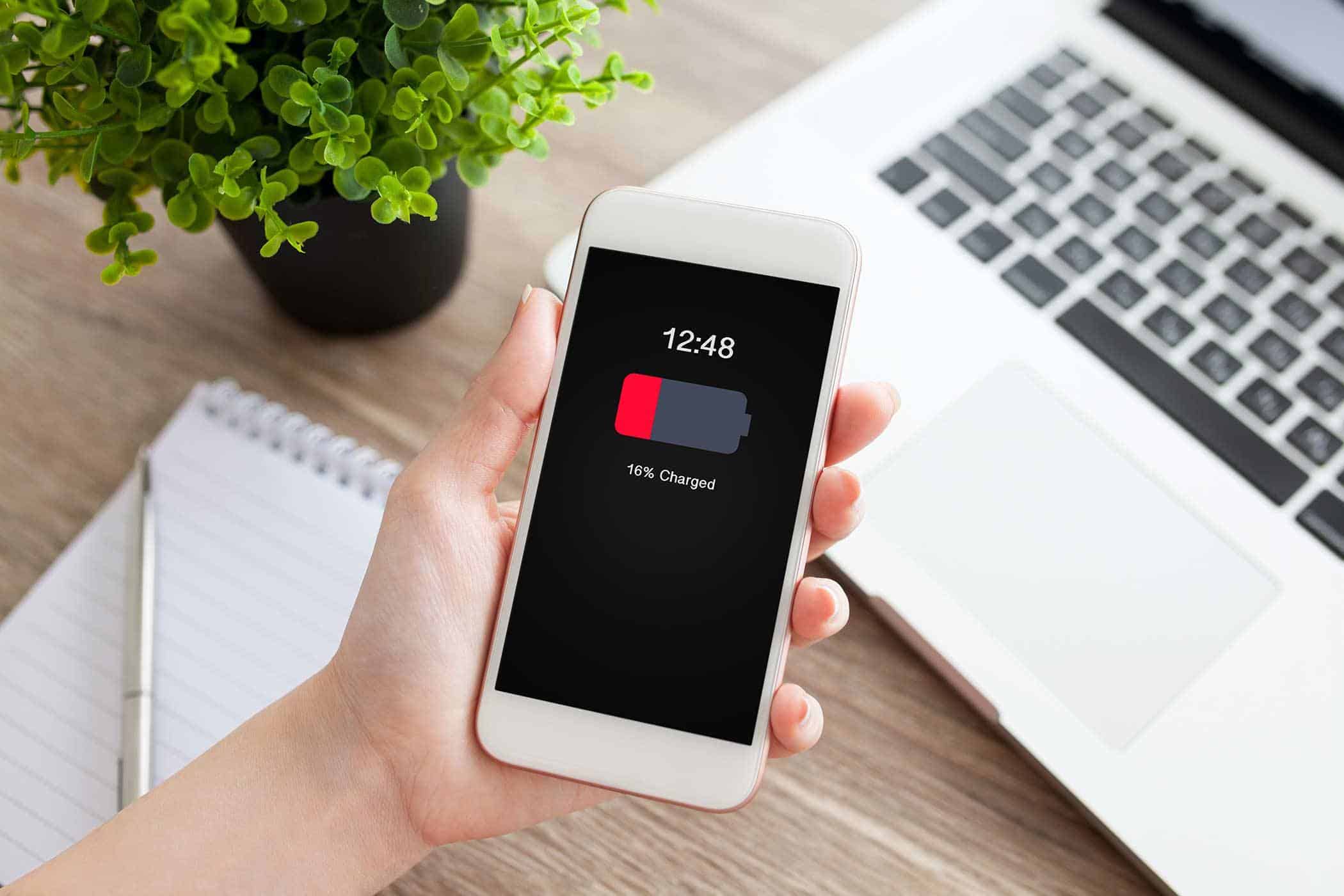
Most modern devices come with a built-in battery saver or low power mode. This feature reduces background activity, limits notifications, and optimizes performance to conserve energy. Turning it on when your battery is low or even using it regularly can help your battery last much longer throughout the day.
5. Keep Your Software Updated:
Software updates often include performance improvements and bug fixes that enhance battery efficiency. Using outdated software may cause your device to work harder than necessary, draining the battery faster. Always install updates from trusted sources to keep your device running smoothly.
6. Avoid Extreme Temperatures:
Batteries are sensitive to heat and extreme cold. High temperatures can permanently damage battery capacity, while very cold conditions can cause temporary power loss. Try to keep your device at room temperature and avoid leaving it in hot cars or under direct sunlight.
7. Charge Smartly:
Avoid letting your battery drain to 0% too often, and try not to keep it at 100% for long periods. Charging your device when it reaches around 20–30% and unplugging it around 80–90% can help extend battery lifespan. Also, use original or high-quality chargers to prevent damage.
8. Reduce Notifications and Sounds:
Constant notifications, vibrations, and sounds wake up your screen and use power. Turning off unnecessary notifications and haptic feedback can quietly save battery life throughout the day.
To ensure your battery last longer it doesn’t require expensive accessories or complicated tools. By adjusting settings and being mindful of how you use your device, and adopting healthy charging habits, you can enjoy longer battery life and better performance.


You must be logged in to post a comment.