
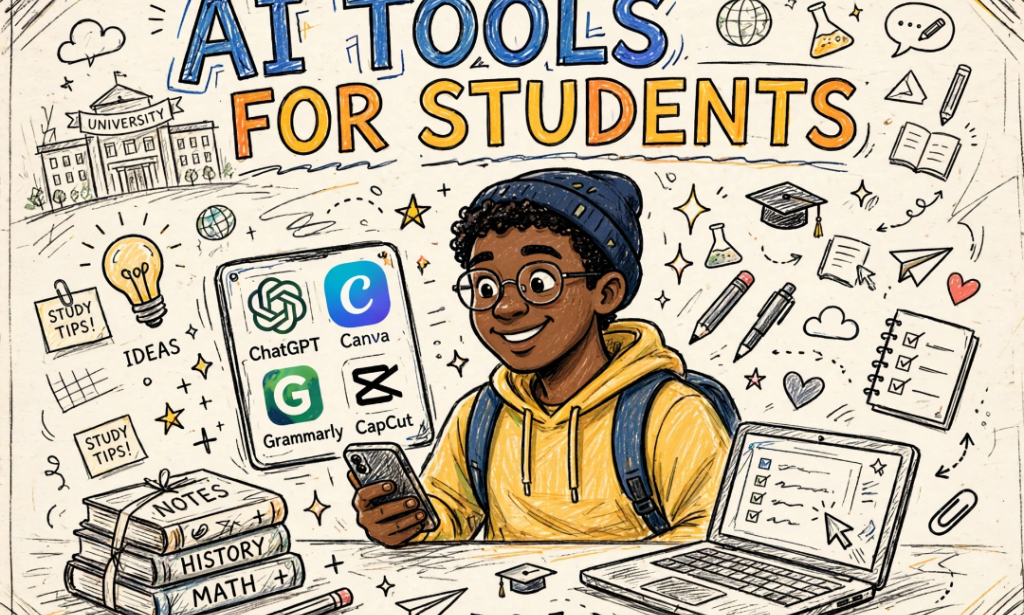
I am a student in 200 level. I don't have a laptop. I only have my Gionee S10 with 4GB RAM. For one year I was suffering to do assignments, type projects, and make presentations. I would go to cafe and spend 1k just to type one assignment.
Last semester my roommate showed me 5 free AI tools that I can use directly on my phone browser. Since then I have not spent 1 naira in cafe. I even help my course mates do their own work and they pay me.
If you are a student with only phone, save this list.
*1. CHATGPT / META AI - FOR ASSIGNMENTS AND EXPLAINING NOTES*
This is my number one. Instead of copying from Google, I ask Meta AI or ChatGPT to explain my lecture note in simple language like I am 10 years old. I paste my difficult note and say "explain this to me simply". It breaks it down. For assignments, I ask it to give me outline and points, then I rewrite in my own words so my lecturer won't catch me. Never copy and paste directly.
*2. CANVA AI - FOR PRESENTATIONS THAT LOOK LIKE A PRO DID IT*
My presentations used to be ugly. Now I use Canva app on my phone. I just type "Create presentation for my course on photosynthesis with 10 slides". Canva AI will create full slides with pictures and notes in 2 minutes. My last presentation I scored 18/20 and my lecturer asked which laptop I used. I told him "my phone".
*3. GRAMMARLY - FOR CORRECTING MY ENGLISH AND MAKING MY WRITING LOOK SMART*
My English is not perfect. Grammarly fixes it. I write my assignment in my rough English, Grammarly corrects all my grammar, spelling and makes it sound professional. The free version is enough. I use it as keyboard on my Gionee, so it corrects me while I am typing on WhatsApp and in my notes app.
*4. QUIZLET AI / NOTION AI - FOR READING AND REMEMBERING BEFORE EXAMS*
Reading 100 page handout is hard. I upload my PDF handout to Notion AI or Quizlet and tell it "summarize this handout into 20 important questions and answers". It will create flashcards for me. I read those flashcards on my way to exam hall. I read less but remember more. My last exam I read 5 pages of summary instead of 80 pages handout and I got B.
*5. CAPCUT AI + LEONARDO AI - FOR CREATING PICTURES AND VIDEOS FOR PROJECTS*
For my project and class group work, I need pictures and videos. Leonardo AI creates any picture I want for free - "An African student reading in library" it will create it. CapCut AI helps me edit videos and remove background from pictures. I made our group assignment video entirely on my phone and we were the best group.
*BONUS TIP: HOW I USE THEM ON MY SMALL PHONE WITHOUT HANGING*
Don't download heavy apps. Use them inside Brave or Via Browser. Create shortcut to your home screen. Use one at a time. Close background apps. And always use free version - don't pay for anything yet as a student.
With these 5 tools, my small Gionee S10 does more than my friend's 250k laptop. You don't need laptop to be smart in school, you just need to know how to use your phone well.


You must be logged in to post a comment.