

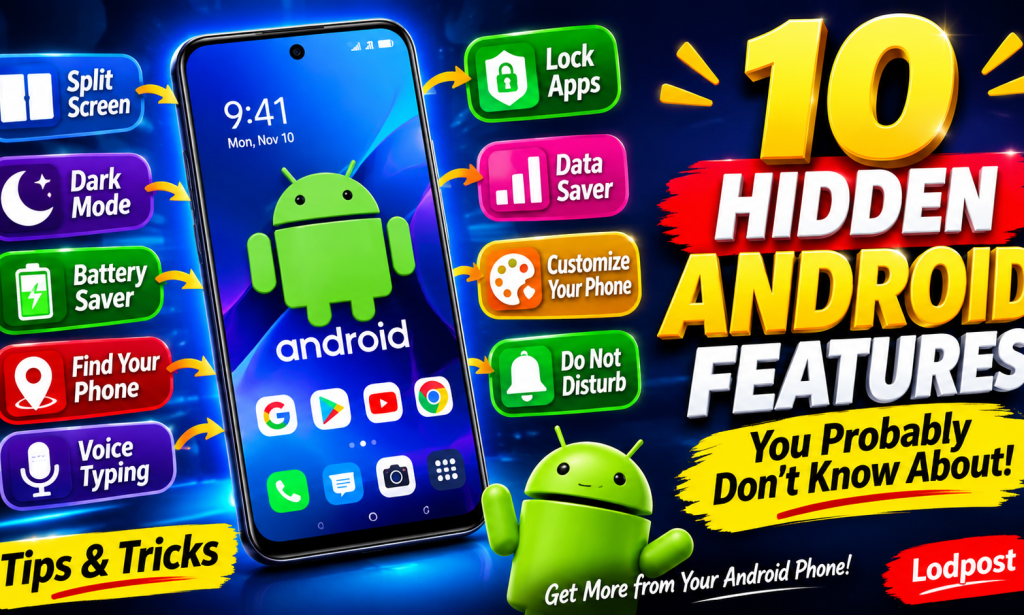
10 Hidden Android Features You Probably Don't Know About
Introduction
Android smartphones come with many amazing features that most people don't know about. Many users only use their phones for calling, chatting, browsing the internet, watching videos and playing games. However, Android has several hidden features that can make your phone easier, faster and more enjoyable to use.
In this article, we will explore 10 useful Android features you should start using today. These tricks can help you save time, improve your phone experience and make better use of your device.
1. Use Split Screen
Did you know you can use two applications at the same time? Android has a split-screen feature that allows you to open two supported apps together.
For example, you can watch a video while chatting with your friends. Open your recent apps, tap the app icon and select Split screen if your phone supports it.
2. Use Dark Mode
Dark Mode changes your phone's appearance from a bright background to a darker one. It can make your screen more comfortable to view in low-light environments.
You can usually activate it by going to Settings, selecting Display and turning on Dark Mode.
3. Take Screenshots Easily
You don't always need complicated applications to take screenshots. Most Android phones allow you to press the Power and Volume Down buttons together to capture your screen.
Some devices also support gesture-based screenshots.
4. Use Battery Saver
If your battery is running low, Battery Saver can help your phone last longer. It reduces certain background activities and limits some features to conserve power.
Go to Settings, select Battery and activate Battery Saver.
5. Find Your Lost Phone
Android includes tools that can help you locate your lost device. Google's Find Hub can help you locate supported devices when the necessary settings and account access are available.
Make sure you enable the appropriate finding features before your phone gets lost.
6. Use Voice Typing
Are you tired of typing long messages? Your Android keyboard may have a microphone button that allows you to speak instead of typing.
Tap the microphone icon and say the words you want to write.
7. Lock Important Apps
Some Android phones include an App Lock feature that allows you to protect selected applications with a password, PIN or fingerprint.
Check your phone's security settings to see whether this feature is available.
8. Use Data Saver
Data Saver helps reduce mobile data usage by limiting background data for some applications.
You can usually find it under Settings and Network or Internet settings.
9. Customize Your Home Screen
You can make your Android phone look different by changing wallpapers, adding widgets and arranging your applications.
This allows you to create a home screen that suits your personal preferences.
10. Use Do Not Disturb
Do Not Disturb helps reduce interruptions when you are studying, working or resting. You can choose which notifications and calls are allowed.
Conclusion
Android smartphones have many useful features that can make everyday activities easier. By learning these 10 tricks, you can enjoy more of what your phone has to offer without necessarily downloading extra applications.
Question for Readers:
Which of these 10 Android features did you find most interesting? Have you tried any of them before? Share your answer in the comment section!


You must be logged in to post a comment.