
SogoSocial Review 2026: Is Sogo Social Legit or a Scam? Creator Rewards, Sogo Stars, PayPal Withdrawal and How It Works
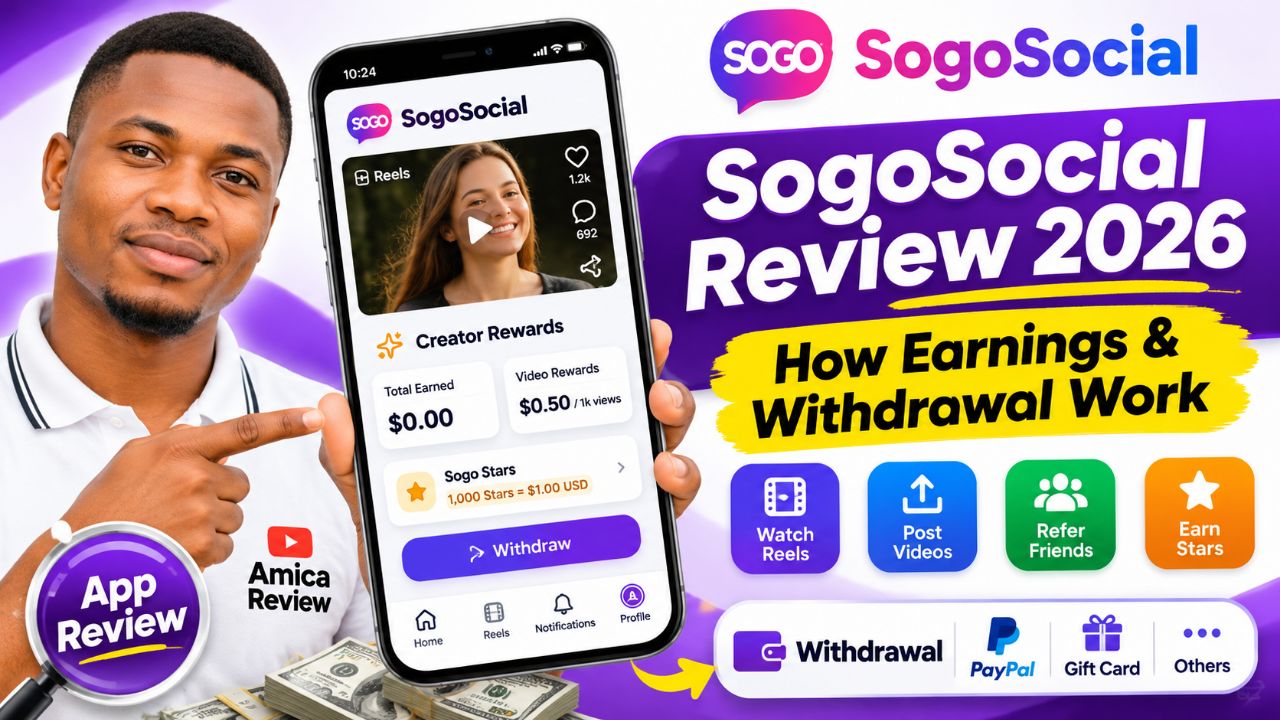
When I came across SogoSocial through social media discussions and posts promoting its earning features, I decided to investigate it as Amica Review. The app presents itself as a social networking platform where people can publish posts, watch short videos, interact with creators and participate in a rewards programme. What makes it interesting is that it displays specific dollar rates for qualified video views, referrals and daily activities. However, an earning rate displayed inside an app is not the same thing as money successfully received in a PayPal account or bank account. In this review, I will explain what the app offers, what the screenshots and Google Play listing show, how the reward calculations work, and what users should verify before spending time on it.
Table of Contents
- What Is SogoSocial?
- How Does It Work?
- Creator Rewards Explained
- Sogo Stars and Daily Missions
- Referral Programme
- Launch Date, Developer and Income Source
- Earning Potential
- Customer Support and Transparency
- Is SogoSocial Legit or a Scam?
- Minimum Withdrawal and Payment Methods
- Registration Guide
- Login Guide
- How to Withdraw
- Free or Deposit Required?
- Payment Proof and Users' Opinions
- APK and App Download
- Red Flags and Cautions
- Final Verdict
🔍 What Is SogoSocial?
SogoSocial, also called Sogo Social on Google Play, is an Android social networking application published under the developer name Nexora Labs 7. Its slogan is “Connect. Create. Share.” The platform is designed for people who want to discover short-form videos, upload Reels, publish ordinary feed posts, follow other users, like content, leave comments and receive notifications when people interact with their accounts.
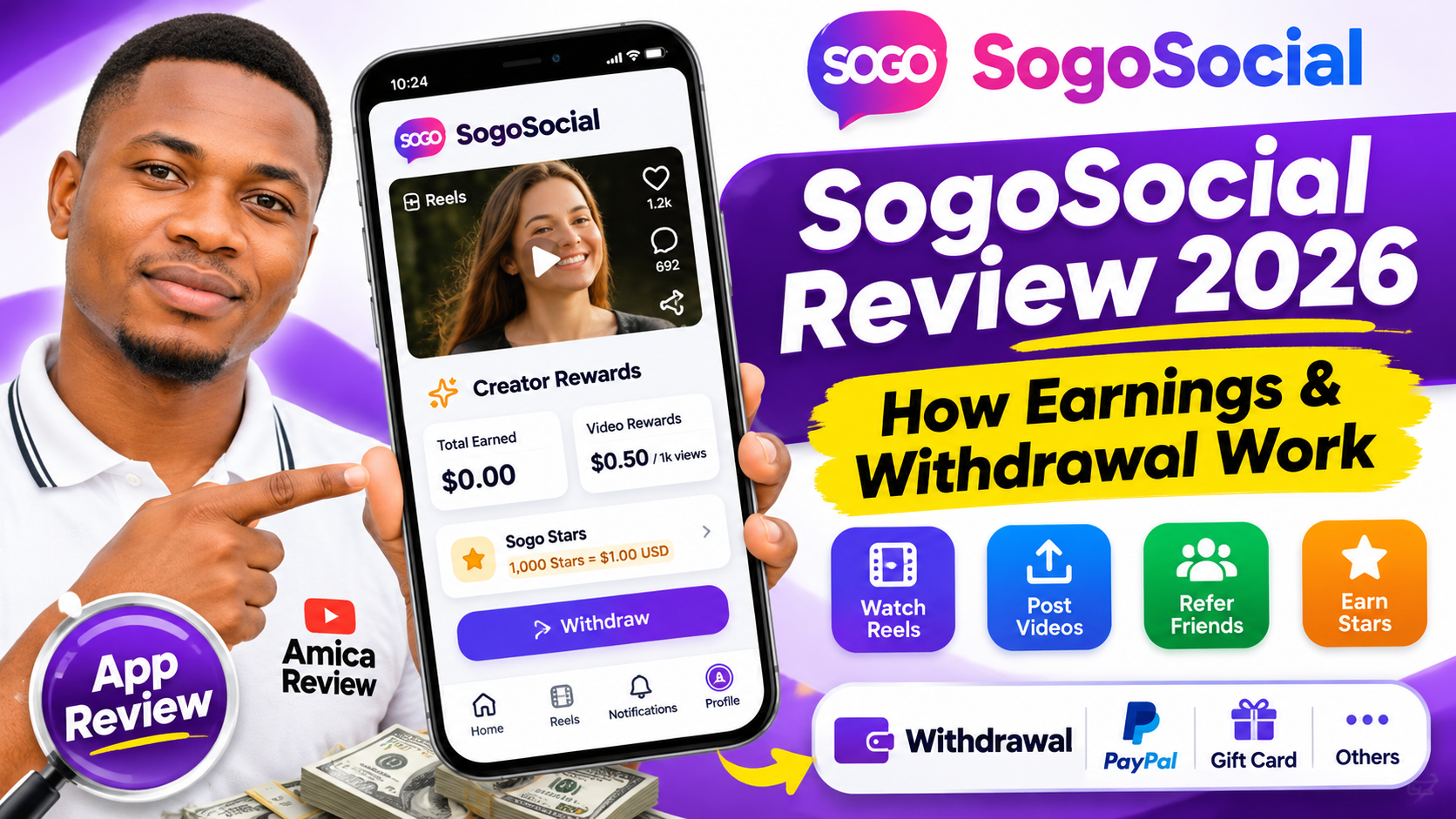
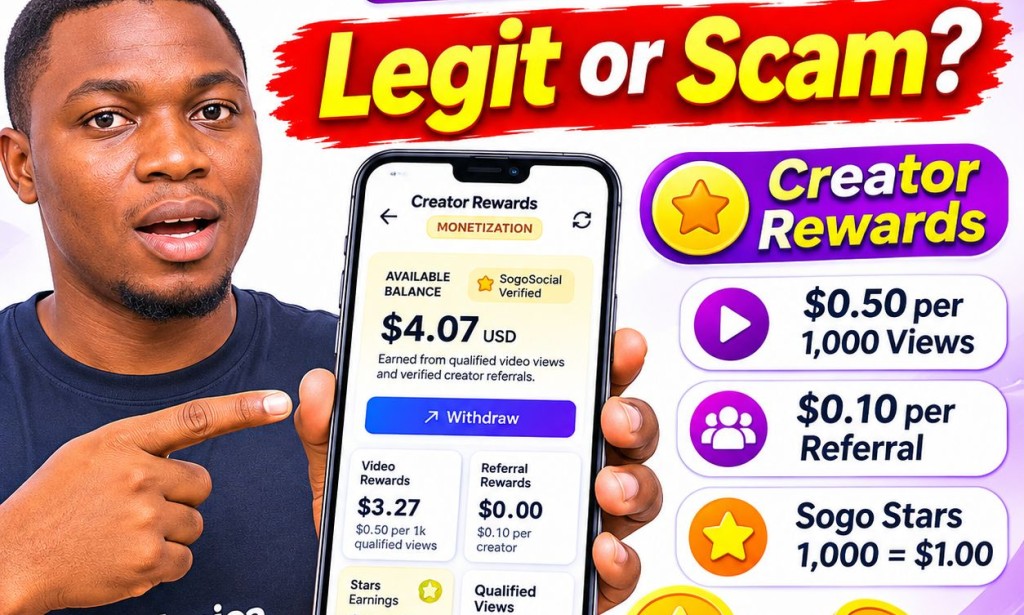
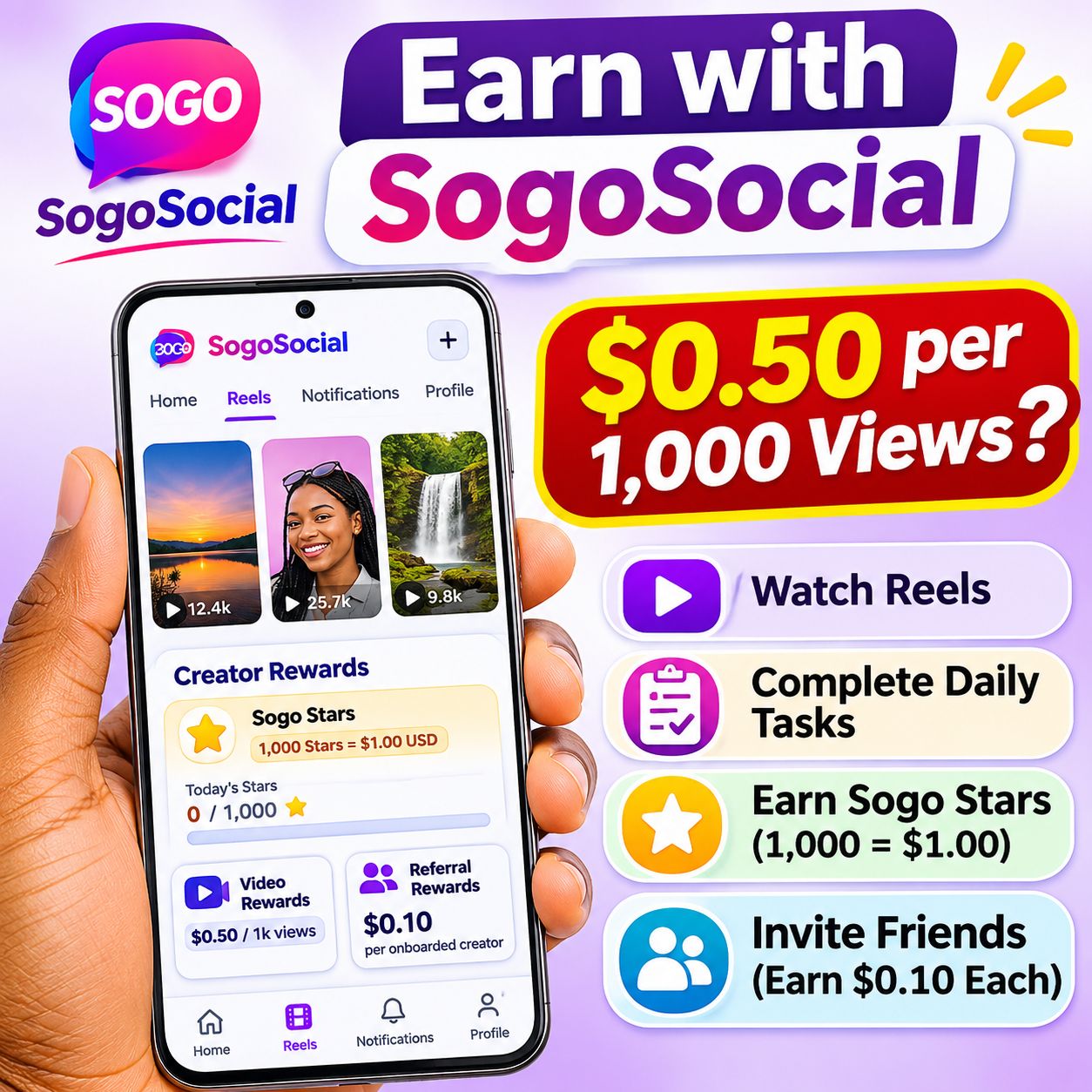
The app is not presented only as a social networking platform. It also advertises a Creator Rewards programme and a virtual reward currency called Sogo Stars. According to the reward dashboard supplied for this investigation, qualified video views are valued at $0.50 per 1,000 views, while a creator referral that completes onboarding is valued at $0.10. The Sogo Stars system converts 1,000 Stars into $1.00 USD and advertises a maximum of 1,000 Stars per day from listed missions.
The important distinction is that the social features and the money-making features are separate. You can use the platform to browse and interact with content, but not every view or action automatically qualifies for a reward. The app says that eligibility checks and anti-abuse rules apply.
🛠️ How Does SogoSocial Work?
After opening the app, users see a bottom navigation bar with four main areas: Home, Reels, Notifications and Profile. The Home area contains a post composer with the prompt “What's on your mind?”, a Stories row and a feed labelled “Latest Stories & Posts”. Posts can show a creator name, profile picture, follow button, image or video, likes, comments, view count and bookmark control. A refresh option is also visible for loading the latest feed.
The Reels section is for short-form video content. A visible example shows a vertical video with controls for liking, commenting, downloading, saving, sharing and adjusting sound. The interface also displays a view count. As with other social platforms, a displayed view count should not automatically be interpreted as a monetized view: SogoSocial's reward rules distinguish raw views from qualified views.
The Profile section displays the user's profile name, username, biography, edit-profile control, settings button and counts for posts, followers and following. It also contains a Creator Rewards Program card linking to the monetization dashboard. Profile tabs shown include Posts, Videos, Saved and Appreciated.
To participate, a user can generally follow this sequence:
- Install Sogo Social from its Google Play listing.
- Open the app and sign in using the Google sign-in option shown on the sign-in screen.
- Complete the profile and explore the Home and Reels sections.
- Publish genuine posts or Reels and interact naturally with other creators.
- Open the Creator Rewards dashboard to review the listed rates, daily missions, referral code and reward ledger.
- Check the payout rules and withdrawal eligibility before assuming that the displayed balance can be cashed out.
My observation: The interface is organised in a familiar social-media style. The screenshots show a working feed layout, profile area, Reels page and monetization dashboard. They do not, by themselves, establish that every feature is reliable for every user or that rewards have been paid.
💼 SogoSocial Creator Rewards Explained
The Creator Rewards dashboard is one of the most important parts of this app for people joining to earn money. It contains an available balance card, lifetime earnings, video rewards, referral rewards, Stars earnings, qualified views, successful referrals and pending payout. The dashboard also has tabs for Overview & Rules, Reward Ledger, Referral Program and Payout History.
| Reward category | Advertised rate | What it means |
|---|---|---|
| Video Rewards | $0.50 per 1,000 qualified views | $0.0005 for each qualified view, subject to the programme's view rules. |
| Referral Rewards | $0.10 per onboarded creator | The referred person must sign up with the code and complete onboarding. |
| Sogo Stars | 1,000 Stars = $1.00 | Eligible daily missions add Stars to the Creator Rewards balance. |
The dashboard distinguishes Total Views from Qualified Views. The supplied screen showed zero raw views and zero qualified views for the account being displayed at that moment. This distinction matters because the platform does not promise to pay for every impression, replay or quick scroll past a video.
Zero-Trust View Qualification Standards
The rules shown in the dashboard say that a viewer must watch at least five seconds continuously, or 50% of a short video. Instant bounces are discarded. Only logged-in, legitimate SogoSocial accounts qualify. Watching your own videos does not generate earnings. Multiple views or refreshes of the same video by the same account within 24 hours are consolidated. High-frequency automated skipping or script farms may be quarantined by an anti-bot velocity filter.
These rules are intended to reduce fake engagement and protect the reward system. They also mean that creators should focus on genuine audience retention rather than simply trying to generate a large raw view count. A video with 10,000 displayed views may have fewer qualified views after the platform applies its checks.
⭐ Sogo Stars and Daily Missions
Sogo Stars is the daily activity reward system. The dashboard states that 1,000 Stars equal $1.00 USD and that users can earn up to 1,000 Stars per day from the listed activities. The displayed daily progress resets by calendar date; the supplied screen showed the date November 17, 2026, with zero Stars added at the time of capture.
| Daily activity | Advertised Stars | Advertised USD value |
|---|---|---|
| Watch a rewarded advertisement | 200 Stars | $0.20 |
| Publish 3 new genuine Reels | 200 Stars | $0.20 |
| Like 3 distinct Reels | 100 Stars | $0.10 |
| Comment meaningfully on 3 Reels | 100 Stars | $0.10 |
| Watch 10 distinct qualifying Reels | 100 Stars | $0.10 |
| Follow 3 distinct creators | 100 Stars | $0.10 |
| Publish 3 new community posts | 100 Stars | $0.10 |
| Comment meaningfully on 3 feed posts | 100 Stars | $0.10 |
| Advertised daily maximum | 1,000 Stars | $1.00 |
There is a small inconsistency worth mentioning. The mission description and reward amount show 200 Stars for watching an advertisement, but the button in the supplied screen appears to say “Watch Ad (+100 ⭐)”. Users should check the actual credited amount in the reward ledger rather than relying only on the mission card. The other listed activities total 800 Stars, and the 200-Star ad reward would bring the advertised daily maximum to 1,000 Stars.
These are daily limits, not guaranteed daily salaries. Completing a task may still be subject to the platform accepting the activity as genuine and eligible. Users should also avoid posting meaningless duplicate content or spam comments just to complete missions, as the platform may reject activity that does not meet its rules.
💼 SogoSocial Referral Programme
The Creator Rewards dashboard displays a personal referral code and explains that a creator can earn $0.10 for every friend who joins using the code and completes onboarding. The code visible in the account supplied for this review is:
SOGO-AMICAREVIEW
The associated Google Play referral link is:
Download SogoSocial with the Amica Review referral code
The referral reward is not described as a percentage commission. It is a fixed $0.10 for each creator who signs up through the code and completes onboarding. The material available for this review does not establish a multi-level referral structure, indirect referral commissions or lifetime commissions. I would therefore not advertise those benefits unless the app's current rules clearly confirm them.
🚀 Launch Date, Developer and Source of Income
The Google Play information supplied for this investigation shows a release date of October 17, 2026. The listing screenshot shows version 1.0, an update date of November 13, 2026, 1,000+ downloads, a 4.59 MB download size and Android 7.0 or later. Google Play identifies the publisher as Nexora Labs 7 and gives the app a 12+ content rating with parental guidance recommended.
The live Google Play page also identifies the developer contact as Abdul Qayyum, based in Pakistan, and lists a support email address. This is more information than an entirely anonymous listing, but a developer name and country are not the same as independently verified company registration, audited accounts or proof of the financial capacity to pay creators.
As for the source of income, the app's own materials show a rewarded-ad mission and a social platform built around user-generated posts and videos. Advertising is therefore one possible source of revenue. In a typical social network, advertising, sponsorships or other commercial partnerships can help fund operations and creator incentives. However, the screenshots and public listing reviewed here do not provide audited revenue figures or a detailed explanation of how SogoSocial funds its $0.50-per-1,000-view rate, referral rewards and Stars payouts. That part of the business model remains unverified.
💸 SogoSocial Earning Potential
Let's look at the advertised rates realistically. At $0.50 per 1,000 qualified views, a creator would need 100,000 qualified views to generate $50 in video rewards, assuming the displayed rate remains unchanged and every counted view qualifies. One million qualified views would produce $500 at the advertised rate. These are mathematical illustrations, not income promises.
| Qualified views | Illustrative video reward |
|---|---|
| 1,000 | $0.50 |
| 10,000 | $5.00 |
| 50,000 | $25.00 |
| 100,000 | $50.00 |
| 500,000 | $250.00 |
| 1,000,000 | $500.00 |
The daily Stars maximum is advertised as $1.00. If a user could complete every mission and receive the full amount every day for 30 days, the arithmetic would be $30. That is a theoretical maximum based on the displayed daily cap, not a confirmed monthly payout. It assumes all tasks remain available, the user completes them daily, the platform credits them, and the resulting balance is withdrawable.
Referral earnings are also modest at $0.10 per qualified creator. Ten successful referrals would represent $1 in referral rewards at the advertised rate, but the first-withdrawal gate requires those ten successful referrals before the user can make the first withdrawal. A person who has no audience or network may find this requirement difficult.
My advice is to treat SogoSocial as a social platform with a possible rewards feature, not as a dependable job or guaranteed income source. Build content because you have something useful or entertaining to share. Do not spend money, buy followers or use bots to chase the advertised figures.
🤝 Customer Support and Transparency
The Google Play listing includes an app support email and a website link. The listing identifies the developer as Abdul Qayyum in Pakistan. The in-app interface also shows a question-mark help icon on the Creator Rewards screen. A separate support or feedback route may be available through the app, but the supplied screens do not show a full support conversation or prove how quickly the developer responds.
The Play listing's data-safety section says the developer declares that no data is shared with third parties, that the app may collect personal information, photos and videos and three other data categories, that data is encrypted in transit, and that users can request deletion. These are developer-provided declarations displayed by Google Play; they are not an independent security audit. Review the privacy policy and permissions before uploading personal content or connecting an account.
🕵️ Is SogoSocial Legit or a Scam?
Based on the evidence available for this review, I would describe SogoSocial as a new and unverified social earning app that requires caution. I do not have enough reliable evidence to label it a scam, but I also do not have verified payout evidence to recommend it as a proven paying platform.
Positive signs:
- The app has a Google Play listing under the name Sogo Social and a named publisher, Nexora Labs 7.
- The Play listing provides a developer contact, a website and a privacy-policy link.
- The app describes its social features and reward programme rather than presenting only a deposit or investment scheme.
- The Creator Rewards dashboard publishes specific rates and explains several anti-fraud view rules.
- The supplied screens do not show a required deposit, VIP package or paid investment plan.
Reasons for caution:
- The app is very new, with a displayed release date of October 17, 2026.
- The first-withdrawal screen requires 10 successful referrals.
- The screenshots show balances and reward calculations, but not a confirmed PayPal transaction or bank payment receipt.
- The minimum cashout amount, exact processing time, fees and complete payout conditions have not been established.
- The daily ad mission has a visible 200-Star versus 100-Star button discrepancy.
- The public information reviewed does not establish audited revenue or independently verified creator payouts.
Verdict: SogoSocial has a real app listing and visible social and rewards features, but its earning and withdrawal system remains unverified. Use it carefully and do not depend on it for income until you have independently confirmed a successful withdrawal under the current rules.
💲 Minimum Withdrawal and Payment Methods
The information supplied for this review mentions PayPal, gift cards and other withdrawal options. However, the screenshots do not show a complete payment-method list or a confirmed minimum withdrawal amount. The withdrawal-check pop-up specifically states that 10 successful referrals are needed before the first withdrawal. It does not state the exact dollar threshold, processing time or fees.
| Withdrawal detail | What is established |
|---|---|
| Payment options | PayPal, gift cards and others are reported in the supplied information; the full in-app list was not shown. |
| Minimum withdrawal | Not confirmed by the available screens. |
| First withdrawal condition | At least 10 successful referrals. |
| Processing time | Not confirmed. |
| Withdrawal fee | Not confirmed. |
| Payment history | The supplied dashboard showed Payout History (0) and Pending Payout $0.00. |
Do not confuse the 10-referral requirement with the minimum withdrawal amount. They are different conditions. Before spending time completing missions, open the withdrawal section and read the exact current threshold and available payment methods in your own account.
📝 SogoSocial Registration Guide
The supplied sign-in screen shows a “Continue with Google” button. It does not show a traditional email-and-password registration form in the captured screen. To create an account:
- Open the official Google Play listing: Sogo Social on Google Play.
- Install the app and open it.
- Choose “Continue with Google”.
- Select the Google account you want to use and follow the sign-in prompts.
- Review the Terms of Service and Privacy Policy shown on the sign-in screen.
- Complete your profile with an appropriate display name, username and biography.
- Open Creator Rewards and check that the referral code is displayed correctly.
If you want to use the Amica Review referral code, install through this link:
SogoSocial referral registration link – SOGO-AMICAREVIEW
Referral reminder: The code is SOGO-AMICAREVIEW. The referral reward is advertised as $0.10 for a creator who joins with the code and completes onboarding. Make sure the referral attribution is attached during installation or sign-up; the available material does not explain whether an existing account can add a code later.
🔑 SogoSocial Login Guide
To log in, open the installed Sogo Social app and use the Google sign-in option shown on its welcome screen. Choose the same Google account associated with the account you previously created. If you have multiple Google accounts on your phone, make sure you select the correct one. The supplied screen does not show a separate password reset form, so account recovery may depend on access to the linked Google account and the app's support process.
After signing in, use the bottom navigation to open Home, Reels, Notifications or Profile. Your Creator Rewards card is accessible from the Profile area. If the app fails to load, check your internet connection, update the app through Google Play and use the listed support contact if the issue continues.
💳 How to Withdraw from SogoSocial
The supplied dashboard contains a Withdraw button on the available-balance card. The withdrawal-check pop-up says that a first-time user needs at least 10 successful referrals and displays progress as 0/10 in the example account. This indicates that the app checks referral eligibility before allowing the first withdrawal to proceed.
Because the complete cashout screen was not supplied, I cannot responsibly claim a specific sequence for selecting PayPal, entering a PayPal email address, choosing a gift card, or confirming a payout. Those details should be checked in the live app. Once the withdrawal option becomes available, read the amount, destination, fees and processing terms carefully before submitting.
- Open Profile and enter Creator Rewards.
- Review your available balance and successful-referral count.
- Confirm that you meet the 10-successful-referral first-withdrawal condition.
- Open Withdraw and inspect the payment methods and minimum amount shown to your account.
- Check the destination details and any fees or processing information.
- Save the transaction reference and monitor the payout status.
Important: A balance displayed in the app is not proof that a payment has been sent. A completed withdrawal should be supported by a transaction record from the payment provider or a verifiable receipt.
💰 Is SogoSocial Free or Does It Require a Deposit?
The Google Play listing is presented as a free download, and the supplied screens show users earning through posts, Reels, views, referrals, Stars missions and rewarded advertisements. No deposit, VIP membership, investment package or account activation fee is visible in the material reviewed. On that evidence, there is no demonstrated upfront deposit requirement to install the app and explore its features.
This does not mean that every feature is guaranteed to be free forever, or that the developer could never introduce new conditions. If the app asks you to pay money to unlock a withdrawal, upgrade your account or release earnings, stop and verify the request through official support. Never send money to a personal account or an unknown agent on the promise that a payout will be released.
📈 Payment Proof and Users' Opinions
Some Facebook posts found in the supplied material promote SogoSocial and display Creator Rewards dashboard balances such as $4.07, $3.77 and $30.40. One promotional image breaks down a $4.07 total into $3.27 video rewards, $0.80 Stars earnings and $0.00 referral rewards. Other posts show balances of $0.70, $0.80 and $1.00, with task-completion records. These images suggest that the app interface can display calculated earnings and activity records.
However, they are not the same as payment proofs. The supplied posts do not show a PayPal receipt, gift-card redemption confirmation, bank credit alert or other independent evidence that the displayed balance was successfully withdrawn. A Withdraw button is not proof of a completed withdrawal. A screenshot of a balance is not proof of a payment.
The Google Play listing shows 1,000+ downloads and a 12+ content rating. Third-party app-tracking pages provide different install snapshots depending on their crawl dates, so those estimates should not be treated as a precise live count. The sources checked for this review did not establish a substantial body of independent user reviews confirming successful cashouts. Individual social-media testimonials should be treated as unverified opinions until supported by transaction evidence.
There are also examples of users sharing the app and inviting others to join. This indicates promotional activity, but it does not prove that the app pays. I would like to see dated, unedited payout receipts and multiple independent users confirming that they received the money through the stated payment channels.
📲 SogoSocial APK and App Download
Sogo Social has a Google Play listing, so Android users should use that official store page rather than downloading an APK from an unfamiliar website. The Play Store details supplied for this review show:
| App information | Displayed details |
|---|---|
| App name | Sogo Social |
| Developer | Nexora Labs 7 |
| Package name | com.sogo.social |
| Version shown | 1.0 |
| Release date shown | October 17, 2026 |
| Updated on | November 13, 2026 |
| Downloads shown | 1,000+ |
| Download size shown | 4.59 MB |
| Required Android | Android 7.0 and up |
| Content rating | 12+; parental guidance recommended |
To install it safely, open the official Google Play page, confirm that the app name and developer match, and tap Install. When an update is available, update through Google Play. Avoid modified APKs, unofficial download pages and files shared by strangers. Installing an APK from an unknown source can expose your device and personal information to unnecessary risks.
🚩 Red Flags and Things to Check
- New platform: The displayed release date is October 17, 2026, so the app has a short public history at the time of this review.
- Referral gate: Requiring 10 successful referrals before the first withdrawal may make cashing out difficult for users without an existing audience.
- No confirmed payout receipt in the supplied evidence: Balance screenshots and promotional posts do not independently prove payment.
- Unclear minimum cashout: The exact minimum amount, processing period and fees were not established by the screens provided.
- Reward-button inconsistency: The ad mission describes 200 Stars, while the button appears to display +100 Stars. Users should check the ledger after completing a task.
- Limited public feedback: The evidence reviewed does not provide enough independent user experiences to assess long-term payout reliability.
- Revenue transparency: The platform publishes reward rates but the available materials do not provide audited information explaining the funding model.
These are caution points, not proof of fraud. A new app can be legitimate, and a referral requirement can be part of a platform's anti-abuse design. The question is whether the rules are clear, consistently applied and followed by actual payments.
🧠 Final Verdict: Should You Join SogoSocial?
SogoSocial combines familiar social networking features with a rewards programme based on qualified video views, referrals and daily Stars missions. Its displayed rates are easy to understand: $0.50 per 1,000 qualified views, $0.10 for each successfully onboarded creator and 1,000 Stars equal to $1.00. The app also explains several anti-fraud rules, including minimum watch duration, logged-in viewers, no self-views and a 24-hour cooldown.
On the positive side, the app is available through Google Play, identifies a developer, provides support and privacy links, and does not show an upfront deposit requirement in the material reviewed. On the negative side, it is new, the first withdrawal requires 10 successful referrals, the minimum cashout and processing details remain unclear, and the supplied social-media images do not prove that users have received money.
Amica Review's final assessment: SogoSocial is an interesting but unverified social earning app. It is not proven to be a scam based on the evidence reviewed, but it is also not yet proven to be a reliable paying platform. Join only if you are interested in the social features, follow the rules, and treat any advertised earnings as unconfirmed until you successfully withdraw and independently verify the payment.
If you decide to try the app, you can use the Amica Review referral code SOGO-AMICAREVIEW through this link: Download SogoSocial. Do not invest money or pay anyone to unlock a withdrawal. Always verify the current terms inside the app before relying on its reward programme.
For more investigations of online earning apps, payment claims and new platforms, follow Amica Review and check our updates before joining unfamiliar earning opportunities.


You must be logged in to post a comment.