

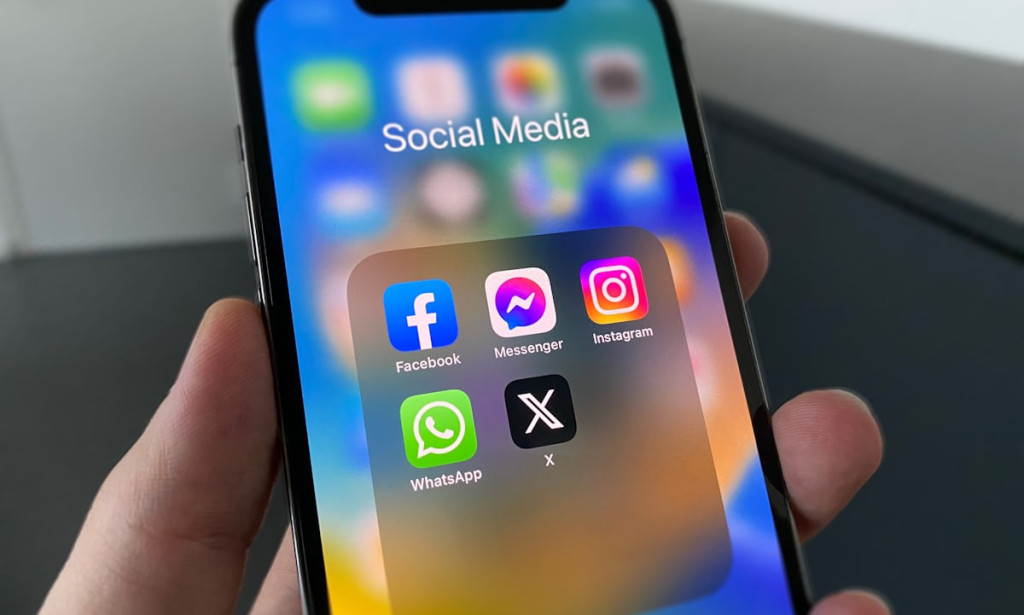
If you're like me, you probably spend hours on WhatsApp and Facebook every day — chatting, scrolling, stalking (just a little 😂). But what if I told you that these apps have secret features you’ve been missing all this time?
Here are 10 simple but powerful tricks that most people don’t know about — and trust me, once you learn them, you’ll feel like a tech genius.
---
1. Read Deleted WhatsApp Messages Without Any Extra App
Ever seen “This message was deleted” and wished you saw it?
If you're using Android, just turn on Notification History:
> Go to Settings → Notifications → Advanced → Notification History → Turn it ON
Now even if someone deletes a message, you’ll still find it in the log. Sneaky but useful!
---
2. Hide Your ‘Online’ and ‘Typing…’ Status on WhatsApp
Sometimes, you just want to be online without being seen. Here’s how:
> Open WhatsApp → Settings → Privacy → Last Seen & Online → Set it to “Nobody”
Now you can reply on your terms without pressure.
---
3. Lock Your Facebook Profile
Tired of random people zooming into your photos? Lock your profile in one tap:
> Go to your Facebook profile → Tap the 3 dots → Choose “Lock Profile”
Your info and pictures become visible to friends only.
---
4. Pause Voice Notes While Recording (Game-Changer!)
This one blew my mind.
While recording a voice note, you can now pause, gather your thoughts, and then continue recording without starting over.
WhatsApp finally got it right.
---
5. Stay Invisible on Facebook Messenger
Want to scroll Facebook without everyone knowing you're online?
> Open Messenger → Tap your profile photo → Active Status → Turn it off.
Now you’re invisible. Ninja mode: activated. 🥷
---
6. Send Photos That Disappear After Viewing
Sometimes, a photo isn’t meant to stay forever.
Just tap the camera in WhatsApp, choose a photo, then tap the little “1” icon next to the send button.
The photo will disappear after it’s viewed once.
---
7. Who's Stalking You on Facebook? (Kinda)
Facebook won’t tell you directly, but you can guess by checking:
> Menu → Friends → See “People You May Know” or top interactions.
These people often visit your profile. Coincidence? Maybe not. 👀
---
8. Chat on WhatsApp Without Saving Numbers
You don’t have to clutter your contacts list anymore.
Just type this in your browser:
> wa.me/234XXXXXXXXXX
(Change the number to the one you want to chat with)
It opens a direct WhatsApp chat. Super quick!
---
9. View WhatsApp Status Without Being Seen
Turn off read receipts in settings, then view their status quietly.
> WhatsApp Settings → Privacy → Read Receipts → Turn OFF
They won’t know you watched it.
Note: You won’t see theirs either until you turn it back on.
---
10. Recover Deleted Facebook Posts or Stories
Deleted something by mistake? It’s not gone forever:
> Open Facebook → Go to
Settings → Activity Log → Trash
Here, you’ll find anything you deleted in the last 30 days. You can restore it instantly.


This is really helpful
Nice, thanx ❤️
You must be logged in to post a comment.