

We all have 24 hours, but some people seem to get more done. After testing over 30 AI tools this year, I found 7 that actually work and are 100 percent free.
These tools helped me save at least 10 hours every week. I use them for writing, studying, planning, and even making money online.
1. ChatGPT Free Version
This is the most popular one. I use it to write emails, summarize long articles, and explain difficult topics. Instead of spending 2 hours writing a report, I give it a prompt and it drafts it in 2 minutes. I then edit it.
2. Canva AI
You do not need to be a designer. I use Canva to create YouTube thumbnails, Instagram posts, and presentation slides. The Magic Write feature writes text for your design. It is free for students.
3. Notion AI
If you struggle to stay organized, this is for you. I put all my tasks, notes, and ideas inside Notion. Its AI will summarize my notes, create to-do lists, and remind me of deadlines. It feels like a personal assistant.
4. Grammarly
This tool fixes my grammar instantly. Whether I am writing an essay, an email for a job, or a blog post for Lodpost, Grammarly makes my English sound professional. The free version is enough for most people.
5. Leonardo AI or Craiyon
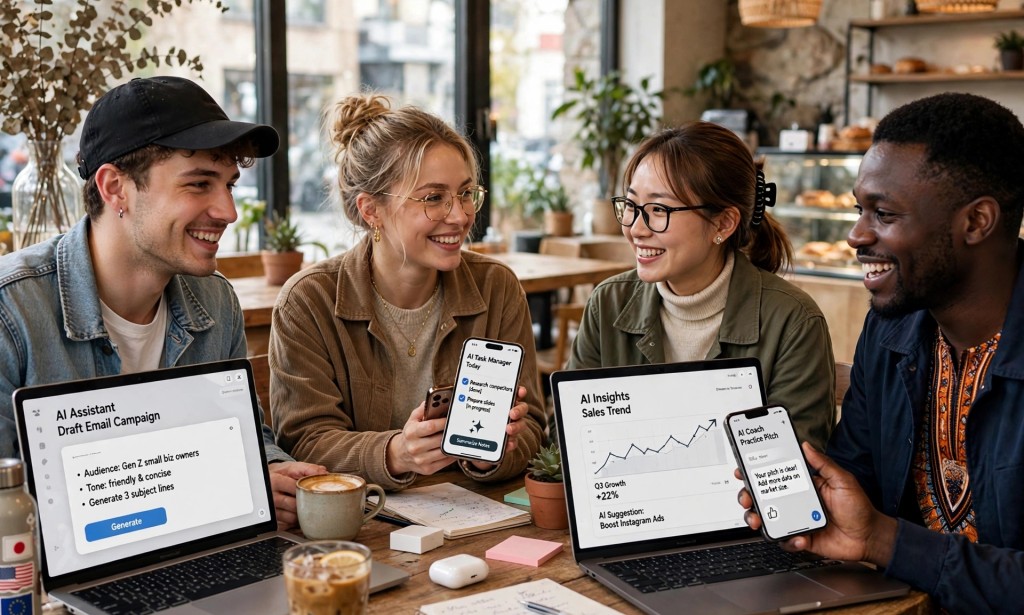
Instead of paying for stock images, I generate my own images for free. For example, the image for this article was made with AI. This is great for bloggers, students, and small business owners who need pictures.
6. Otter.ai
If you attend online meetings or classes, Otter will transcribe everything automatically. I no longer write notes during Zoom calls. It records and gives me a summary at the end.
7. Google Bard (Now Gemini)
I use it for research. It is connected to the internet, so it gives me current information unlike some other tools. If I want to know the best time to post on TikTok in 2026, Gemini tells me in seconds.
How I use them together to save 10 hours:
Monday: I plan my week with Notion AI - 30 minutes saved.
Tuesday to Thursday: I write content with ChatGPT and Grammarly - 5 hours saved.
Friday: I create all my designs with Canva and Leonardo AI - 3 hours saved.
Weekend: Otter transcribes my meetings so I can relax - 1.5 hours saved.
You do not need to pay for any of these to start. The free versions are powerful enough for students, freelancers, and small business owners.
Start with just two. I recommend ChatGPT and Canva. Once you are comfortable, add the rest.
Which of these have you tried before? Let me know in the comments which one saves you the most time.
If this helped you, please share it with a friend who is always busy.


You must be logged in to post a comment.