
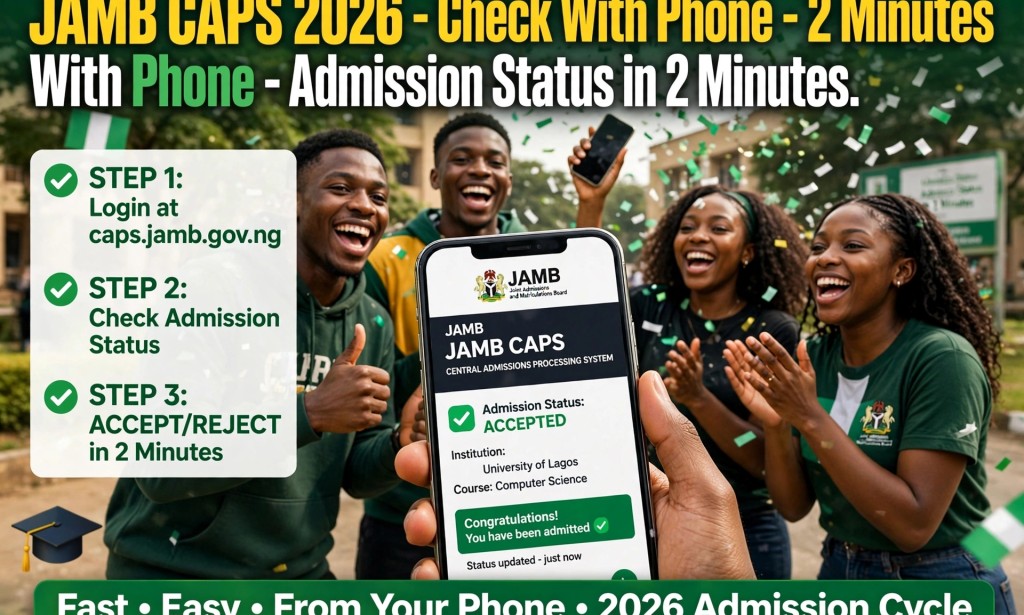
How to Check JAMB CAPS 2026 With Phone - Admission Status in 2 Minutes
Are you waiting for JAMB admission 2026? Good news - JAMB CAPS 2026 is now active for 2026/2027 admission.
Many students are searching "How to check JAMB CAPS 2026 with phone" because they don't want to go to CBT center and pay ₦2,000.
You can check your admission status on JAMB CAPS in 2 minutes with your phone, accept admission, and print admission letter - all without leaving your house.
Here is the full guide.
What is JAMB CAPS 2026?
JAMB CAPS means Central Admissions Processing System. It is the official JAMB portal where all universities, polytechnics and colleges of education upload admission list. If your name is not on JAMB CAPS, you are not admitted - even if school gives you admission letter.
JAMB CAPS 2026 portal is caps.jamb.gov.ng
How to Check JAMB CAPS 2026 With Phone in 2 Minutes - Step by Step
Follow these steps on your Android phone or iPhone:
Step 1: Go to JAMB CAPS Portal
Open Chrome browser on your phone. Go to https://caps.jamb.gov.ng. Click on "EFacility Login".
Step 2: Login With Your JAMB Details
Enter your JAMB email and password you used to register JAMB 2026. If you forgot password, click on Forgot Password to reset. Use same email.
Step 3: Click on Check Admission Status
After login, you will see dashboard. Click on "Check Admission Status" or "CAPS". On phone, if you don't see CAPS, change browser to Desktop Mode: click 3 dots top right of Chrome, tick "Desktop site".
Step 4: View Your Admission Status
You will see one of these:
- ADMITTED - Congratulations, you have been offered admission
- ADMISSION IN PROGRESS - School has started processing, check back in 2 days
- NOT ADMITTED - No admission yet, still hope, keep checking
- ADMISSION FAILED - You need to do change of course
Step 5: Accept or Reject Admission
If you see ADMITTED, you must accept within 72 hours or you will lose it. Click on ACCEPT to accept. Do not click REJECT by mistake. Once you accept, your admission is confirmed.
Important: After accepting on JAMB CAPS, also accept on your school portal.
How to Print JAMB Admission Letter 2026 With Phone
After accepting admission on CAPS:
1. Go back to dashboard, click on "Admission Letter"
2. Pay ₦1,500 with OPay or bank
3. Download PDF of your JAMB admission letter 2026
4. You can save on phone or go to cafe to print
You need this admission letter for clearance in school.
What to Do If JAMB CAPS Shows "Not Admitted" in 2026
Don't panic. Many students see "Not Admitted" at first, then later get ADMITTED.
Do this:
1. Check again after 3 days - schools upload in batches
2. Check if your O'level is uploaded - Go to CAPS, click "My O'level", if empty, you must upload at JAMB office or accredited CBT center. This is main reason for Not Admitted.
3. Check if you did correct subject combination - wrong combination = not admitted
4. Consider change of course/institution if score is low - Go to CAPS, click "Change of Course/Institution", pay ₦2,500
5 Common Mistakes That Cause "Admission in Progress" to Stay Too Long
1. You did not upload O'level result (WAEC/NECO) to JAMB CAPS
2. Your school has not uploaded admission list yet - wait
3. Your JAMB email is different from school portal email
4. You used wrong JAMB profile
5. You have not accepted previous admission - you must reject old admission before new one shows
Latest Update - JAMB CAPS 2026 Admission Deadline
JAMB says 2026/2027 admission will close by December 2026. All schools must finish admission by then. So if you are still seeing Not Admitted by November, do change of course to polytechnic or college of education where cutoff is lower.
You must also print JAMB original result slip and admission letter before going for clearance.
Conclusion
To check JAMB CAPS 2026 with phone:
Go to caps.jamb.gov.ng, login, click Check Admission Status, view admission, click ACCEPT in 2 minutes.
Don't pay anyone ₦5,000 to check CAPS for you. Do it yourself with your phone. If you see ADMITTED, accept immediately and print admission letter.
Share this with your friends who are still checking JAMB CAPS 2026.
Disclaimer: This guide is based on JAMB official portal caps.jamb.gov.ng as of October 2026. JAMB CAPS portal may change slightly. Always confirm on official JAMB website. Not affiliated with JAMB.


You must be logged in to post a comment.