
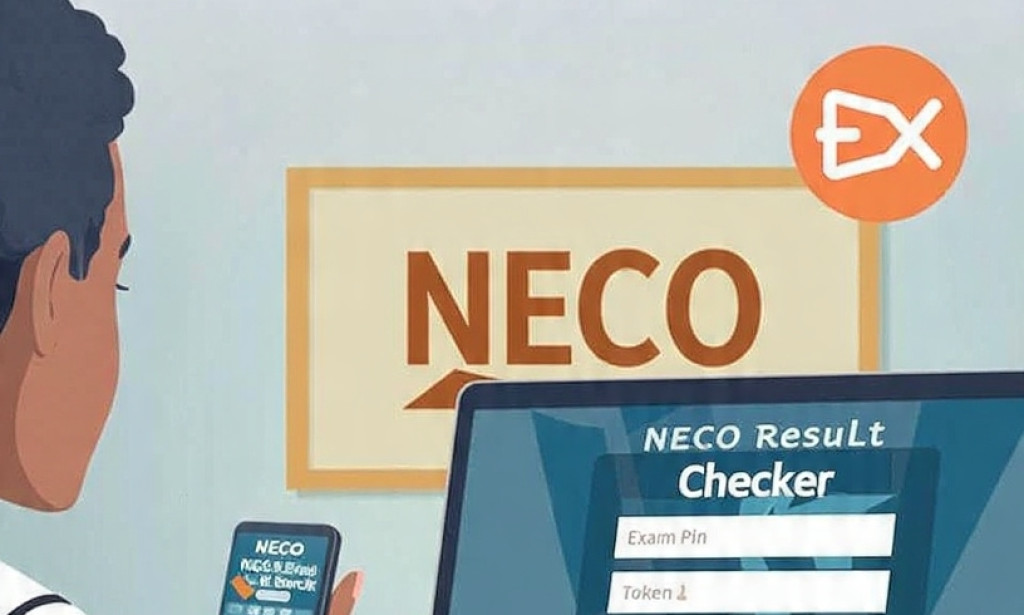
How to Check NECO Result Online 2026
NECO result don release? No panic. You fit check your 2026 SSCE result online from your phone without going to cyber cafe.
Things You Need:
1. NECO Examination Number
2. Result Checker PIN - You fit buy am from school or bank
3. Good internet connection
Step by Step Guide:
Step 1: Go to the official NECO result portal: www.neco.gov.ng
Step 2: Click on "Check Result"
Step 3: Select Exam Year: 2026 and Exam Type: SSCE Internal
Step 4: Enter your Examination Number
Step 5: Enter your Result Checker PIN and Serial Number
Step 6: Click "Submit" and your result go show
Important Notes:
1. One PIN fit be used 5 times only
2. If your result show "Withheld", visit your school or NECO office
3. Avoid fake websites. Use only www.neco.gov.ng
Final Words:
Share this with your friends wey write NECO 2026. Make dem no fall victim to scammers.
Disclaimer: Always confirm from NECO official website for updates.


You must be logged in to post a comment.