

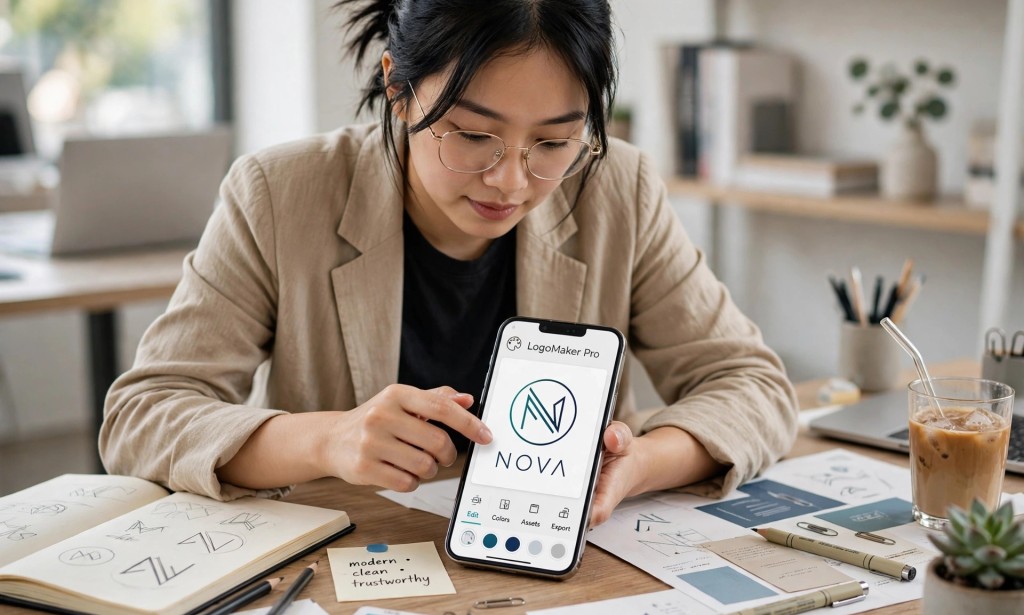
In today's world, your phone is more powerful than a computer was ten years ago. Many successful designers started with just their phone, and you can too.
The first step is to get the right apps. For professional logo creation on your phone, you need apps like Canva, Logo Maker, Adobe Express, and Pixellab. Canva is perfect for clean and modern logos, while Pixellab gives you full control over text, shapes, and effects.
Before you design, understand what the client wants. Ask questions about their business, their audience, their favorite colors, and the feeling they want their logo to show. A good logo tells a story, it is not just beautiful.
Keep it simple and memorable. The best logos in the world are simple. Think of Nike, Apple, and Google. Avoid too many colors, too many fonts, or complex drawings. Use one or two colors and clean fonts that are easy to read.
Learn to use shapes and negative space wisely. A professional logo looks balanced. Use circles, lines, and simple icons that connect to the business. Make sure your logo looks good on both a small profile picture and a large billboard.
Always show your client variations. Create a full color version, a black version, a white version, and a version with just the icon. This makes you look very professional and helps the client use the logo everywhere.
Finally, learn how to package and deliver like a pro. Export your logo as PNG with transparent background and also as high quality JPEG. Send it in a clean folder and include the color codes and fonts you used. This small detail will make clients come back and recommend you to others.
You don't need to wait until you buy a laptop. Start with your phone today, practice every day, build a portfolio on Instagram or Behance, and start charging for your skill.


You must be logged in to post a comment.