

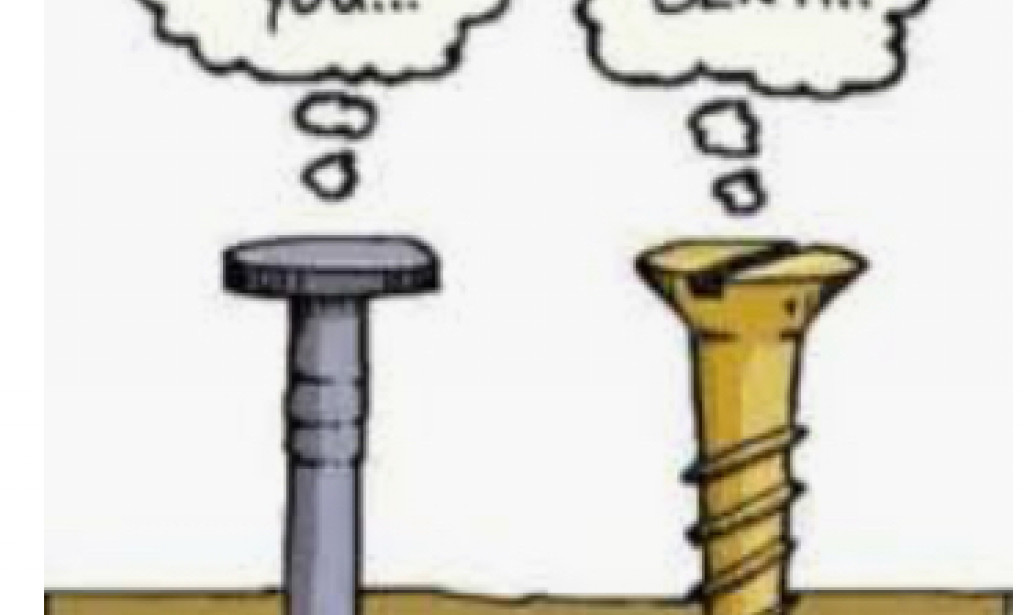
Hardware Conflict.

Follow
Listen to Article Listen to this article read aloud

Audio uses the voice available in your browser or device.

•Hardware conflict occur when two or more resources contend on the same disk.Its an error that occur when hardware device conflicts with other other hardware devices.The solutions to this are;

1.Update the drivers to the new hardware.

2.Move the card to a different PCI slot.

3.Remove other cards on your PC;issue may be caused by conflicts between two different cards.

4.Disable board devices.

5.Update BIOS(Basic Input Output System) on the motherboard.

6.Try the card on a different PC(personal computer) and check if it works correctly.

7.Try a different card.

More Articles by This Writer

Support the Writer

Enjoyed this article? You can support the writer with a voluntary donation.

Your donation supports Brian Okoth

Minimum donation: $2.00   •   70% of the donation is allocated to the writer after the LodPost commission.

Donate by Nigerian Bank Transfer

Send your donation in Nigerian Naira (₦). Your receipt will be reviewed by the LodPost admin before your donation is credited.

₦
Minimum donation: ₦100.00

How it works: Transfer the donation to the account above, upload your payment receipt, and our admin will verify and credit the writer.

Comments

You must be logged in to post a comment.

About Author

3 Followers
11 Following
4 Articles
4 Likes