

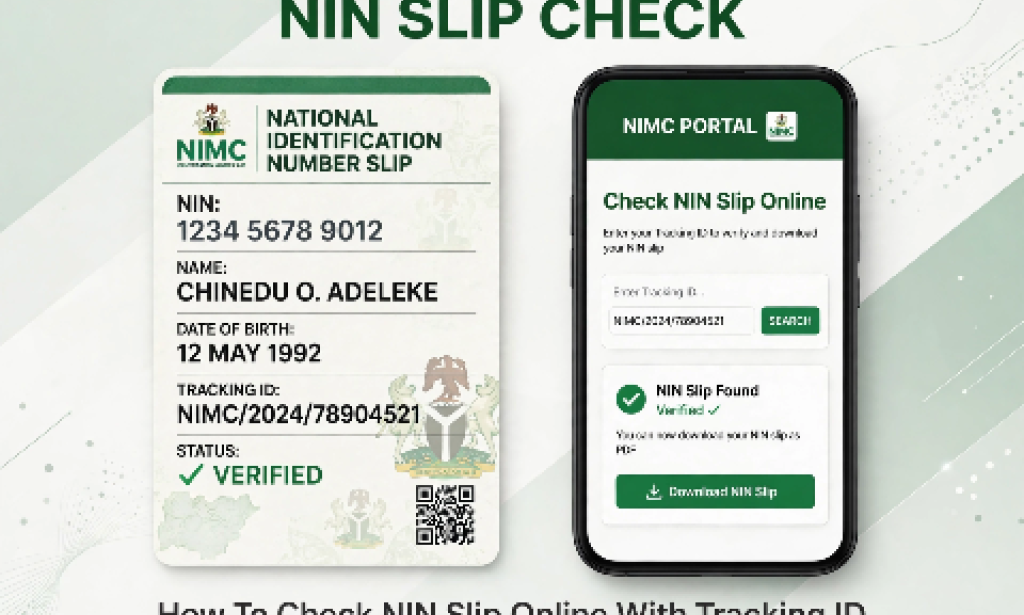
Many Nigerians have lost their NIN slip after registration and only have the tracking ID paper. The good news is you can retrieve your NIN slip online.
What You Need Before You Start:
- Your Tracking ID
- The surname you used for registration
- The phone number you used at NIMC (for OTP)
Step-by-Step Guide To Check NIN Slip:
Step 1: Go to NIMC official portal: myportal.nimc.gov.ng and click on Access NIN Slip.
Step 2: Enter your Tracking ID and your Surname exactly as on your slip.
Step 3: Click on submit. An OTP code will be sent to your registered phone number.
Step 4: Enter the OTP to verify.
Step 5: Your NIN slip will appear on the screen. Click Download as PDF to save it to your phone.
What If It Shows Not Found?
If it shows NIN not found, your NIN may not be ready yet. Dial *346# on the same phone number you used for registration to check. If it shows your NIN, try again later on the portal.
Keep your NIN slip safe in your email or Google Drive so you don't lose it again. You will need it for bank, JAMB, school and SIM registration.
Did this guide help you? Drop a comment below.


You must be logged in to post a comment.