
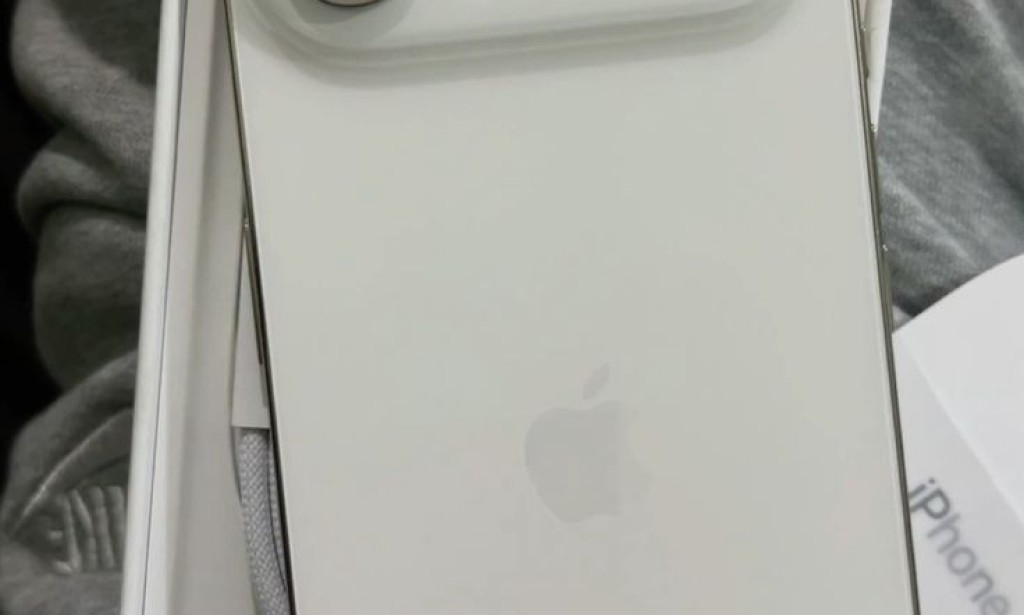
iPhone 17 Air Has No SIM Card Slot: How to Activate eSIM in Nigeria
Are you planning to buy the iPhone 17 Air in Nigeria? One important thing to understand is how it connects to mobile networks. The iPhone 17 Air is designed for eSIM, but you should confirm the specifications of the exact regional model before buying.
What Is an eSIM?
An eSIM is a digital SIM built into a compatible phone. Instead of inserting a plastic SIM card, you activate your mobile number electronically using the method supported by your network provider.
With a properly activated eSIM, you can make calls, send messages, and use mobile data just as you would with a regular SIM. You can also use USSD services when supported by your network and phone.
How to Convert Your SIM to eSIM in Nigeria
1. MTN Nigeria
- Contact MTN through its official customer service channels or visit an MTN service centre.
- Ask whether eSIM activation or SIM replacement is available for your line and device.
- Complete the required identity verification and follow MTN's activation instructions.
- Connect your iPhone to Wi-Fi and follow the on-screen eSIM setup instructions provided by MTN.
2. Airtel Nigeria
- Contact Airtel or visit an authorised Airtel service centre.
- Ask about eSIM availability, replacement procedures, and the current charges.
- Complete the required verification and follow the activation instructions supplied by Airtel.
3. Glo and 9mobile
Before purchasing an eSIM-only phone, contact Glo or 9mobile through their official customer service channels to confirm whether eSIM activation is supported for your line and the specific device. Do not assume that every network offers the same service or follows the same procedure.
How Much Does eSIM Activation Cost?
The cost may depend on the network provider and whether you are activating a new line or replacing an existing SIM. Claims that every Nigerian network charges between ₦1,000 and ₦1,500 have not been verified here. Confirm the current fee directly with your provider before visiting an office.
Can You Use Two Lines on the iPhone 17 Air?
Compatible iPhone models can support multiple stored eSIM profiles, although the number of lines that can be active simultaneously depends on the model and configuration. Check Apple's specifications for your exact device and confirm that both Nigerian network providers support eSIM.
What If Your eSIM Shows No Service?
- Check that the eSIM has been activated successfully.
- Make sure Airplane Mode is turned off.
- Restart your iPhone and check your cellular settings.
- Confirm that your network supports the device and that your line is active.
- Contact your network provider if the problem continues.
Conclusion
eSIM technology removes the need for a physical SIM card in compatible phones. However, before buying an iPhone 17 Air in Nigeria, confirm that the exact model is eSIM-only and that your preferred network can activate your line on it. Checking compatibility, activation procedures, and charges beforehand can help you avoid unexpected problems.
Disclaimer: Network availability, activation procedures, and charges can change. Confirm current details with Apple and your mobile network provider before purchasing or converting your SIM.


You must be logged in to post a comment.