
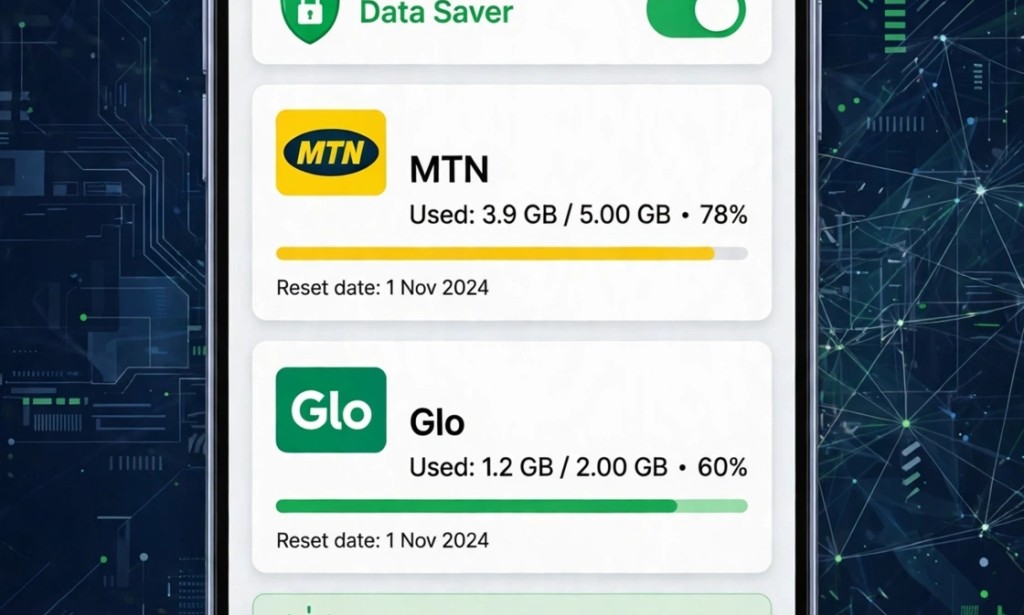
I bought 5GB for N1,500 last week. In 3 days, it finished. I did not watch video. I did not download anything. Where did my data go?
I checked my phone and found the thieves - TikTok, Facebook, and Google Play Store were stealing my data for background.
If your data finishes fast, here is how to save 5GB monthly.
My Result:
- Data Before: 5GB finished in 3 days
- Data After: 5GB lasts 20 days
- Money Saved: N4,500 monthly
- Device: Android only
- Location: Port Harcourt
1. Stop Background Data Thieves
Some apps use data even when you no dey use them.
My top data thieves:
- TikTok: Used 1.8GB in background in 3 days
- Facebook: Used 900MB in background
- Google Play Store: Auto-updated apps with 1.2GB
- Instagram: Used 700MB for auto-play videos
How to stop them:
- Go to Settings > Apps > TikTok > Mobile Data > Turn off Background Data
- Do same for Facebook, Instagram, Snapchat
- Go to Play Store > Settings > Auto-update apps > Don't auto-update
I saved 3GB with this alone.
2. Turn Off Auto-Play Videos
Facebook and Instagram auto-play videos and chop your data.
Fix:
- Facebook > Settings > Media > Auto-play > Never Auto-play Videos
- Instagram > Settings > Data Usage > Use Less Data > On
- TikTok > Settings > Data Saver > On
This saves 1GB every week if you scroll daily.
3. Use Data Saver Mode + Lite Apps
Android has built-in data saver.
- Settings > Network > Data Saver > Turn On
- It blocks background data for all apps
- Only WhatsApp and important apps will use data for background
Also use Lite apps:
- Facebook Lite saves 90% data vs normal Facebook
- TikTok Lite saves 70% data
- Opera Mini saves 50% data when browsing
I use Facebook Lite now - my data lasts longer and phone is faster.
4. Check Hotspot Users
If you share hotspot, people download movies with your data.
- Settings > Hotspot > Connected Devices
- If you see unknown device, block am
- Set hotspot password and data limit: 500MB per person
My neighbor was using my hotspot to download film. I blocked am and my data started lasting.
How I Save 5GB Now (My Daily Routine):
1. I turn on Data Saver every morning
2. I use WiFi for Play Store updates only
3. I watch TikTok only on WiFi, or use Data Saver mode
4. I check Data Usage every 2 days: Settings > Network > Data Usage
Result: My N1,500 data that finished in 3 days now lasts 20 days. I save N4,500 monthly.
3 Mistakes That Finish Data:
1. Leaving hotspot on overnight - apps go update and finish your data
2. Watching YouTube on mobile data at 1080p - switch to 360p to save 80%
3. Not checking which apps use background data - check every week
Conclusion
Your network no dey steal your data. Your apps dey steal am. Check your data usage today.
Go to Settings > Network > Data Usage now. Which app dey chop your data pass? Comment below, I go tell you how to block am.
Disclaimer: Data saving tips based on my personal Android usage in Nigeria 2026. Data usage varies by phone.


You must be logged in to post a comment.