

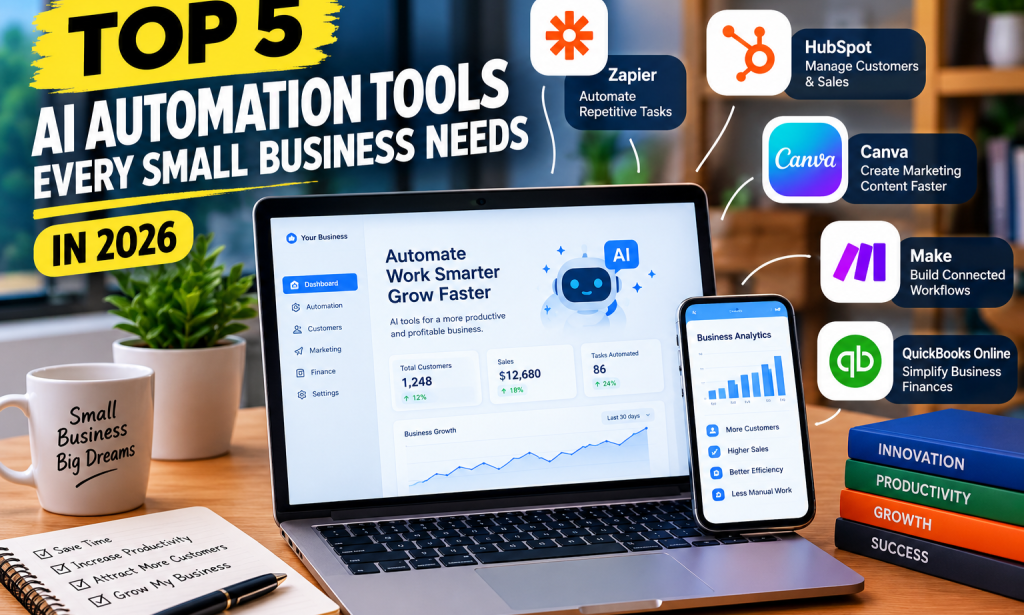
Top 5 AI Automation Tools Every Small Business Needs in 2026
Running a small business isn't easy. Between answering customers, creating content, managing orders, and tracking finances, business owners often spend hours on repetitive tasks.
Fortunately, AI automation tools are changing how businesses operate. They can help reduce manual work, organize everyday activities, and give business owners more time to focus on growth.
Here are five AI automation tools worth exploring in 2026.
1. Zapier — Automate Repetitive Tasks
Zapier connects different applications so they can work together automatically. For example, a business could use it to send customer information from an online form to a spreadsheet and trigger an automatic email.
Its AI features can also help classify information and draft content within workflows.
Best for: Businesses that want to connect their existing apps and reduce repetitive administrative work.
Website:
2. HubSpot — Manage Customers and Sales
Keeping track of customers and potential sales can become difficult as a business grows. HubSpot helps businesses organize contacts, monitor sales opportunities, and manage customer communications.
Its AI-powered features can assist with tasks such as drafting messages, summarizing customer information, and supporting marketing activities.
Best for: Small businesses that want to organize customer relationships and improve their sales process.
Website:
3. Canva — Create Marketing Content Faster
Every business needs attractive marketing materials, but not every owner can afford a professional designer.
Canva provides templates and AI-assisted design features that help users create promotional flyers, social media graphics, presentations, and other business materials.
For example, a small clothing business can create product promotions, while a restaurant can design menus and special-offer posters.
Best for: Businesses that need professional-looking marketing content without a dedicated design team.
Website:
4. Make — Build Connected Workflows
Make allows users to build automated workflows through a visual interface. Businesses can connect different applications and create sequences of actions that happen when particular events occur.
For example, an online shop could create a workflow that records a new order, updates a spreadsheet, and notifies the relevant team member.
Its visual workflow builder is particularly useful for businesses that need more complex automation.
Best for: Small businesses that want to automate several connected steps in a process.
Website:
5. QuickBooks Online — Simplify Business Finances
Managing income, expenses, and invoices is essential for every business. QuickBooks Online helps businesses organize financial records and automate parts of their bookkeeping.
Depending on the plan and available features, its tools can help categorize transactions, prepare invoices, track expenses, and support financial reporting.
For example, a small service business can use it to organize customer invoices and keep better records of payments.
Best for: Business owners who want to spend less time managing routine accounting tasks.
Website:
How to Choose the Right AI Automation Tool
You don't need to adopt all five tools at once. Start by identifying the task that consumes the most time in your business.
- Repetitive tasks and app connections: Zapier.
- Customer relationships and sales: HubSpot.
- Marketing graphics and promotional content: Canva.
- Multi-step automated workflows: Make.
- Bookkeeping and invoicing: QuickBooks Online.
Consider your budget, the applications you already use, and how much time a tool could save. Some platforms offer free plans, while advanced features may require paid subscriptions.
Final Thoughts
AI automation is becoming an important part of running a modern small business. The right tools can help business owners manage customers, create marketing materials, organize finances, and automate repetitive work.
The key is to choose tools that solve real problems rather than adopting every new AI product available.
Which of these five tools would you use for your business? Share your thoughts in the comments! If you found this article helpful, please like it, follow me for more technology and business articles, share it with other entrepreneurs, and consider donating to support my writing.


You must be logged in to post a comment.