
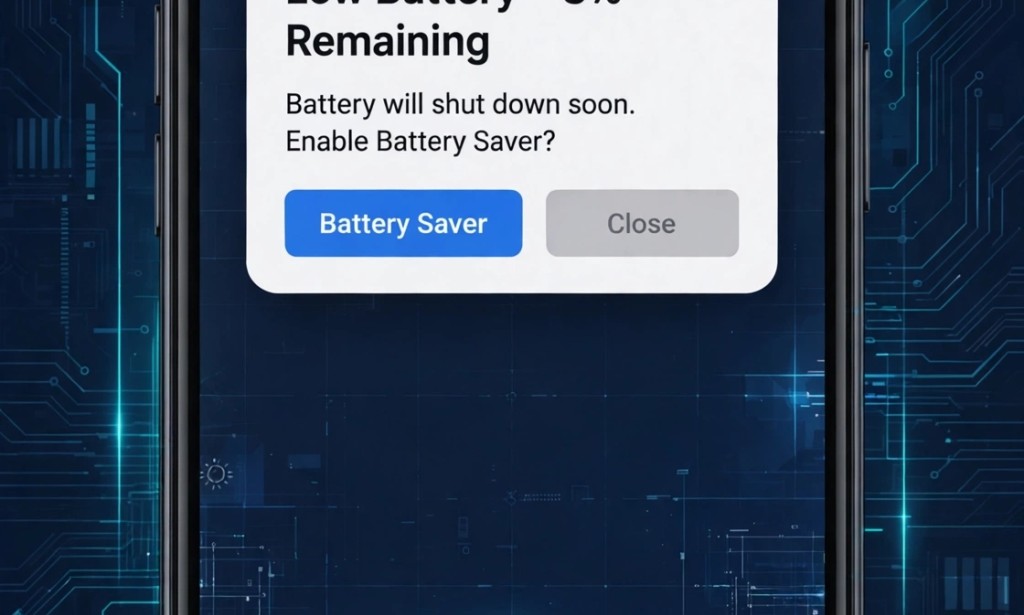
My phone battery was dying from 100% to 20% in 6 hours. I thought my battery was spoilt. I almost bought new phone. Then I fixed it in 3 minutes without spending 1 naira.
If your battery drains fast in 2026, here is why and how to fix it.
My Result:
- Phone: Android (Infinix)
- Battery Before: 6 hours only
- Battery After: 18 hours
- Time to Fix: 3 minutes
- Money Spent: N0
1. Background Apps Running
Your apps run even when you close them. Facebook, WhatsApp, TikTok dey chop battery for background.
How to fix:
- Go to Settings > Battery > Battery Usage
- See apps using most battery
- Click Force Stop
- Turn off Background Data
My TikTok was using 34% battery for background. I stopped it and gained 4 hours.
2. Screen Brightness Too High
This is number 1 battery killer. Many people put brightness at 100%.
Fix:
- Set brightness to 40-50%
- Turn on Adaptive Brightness or Auto-Brightness
- Use Dark Mode - it saves 20% battery on AMOLED screens
I changed to dark mode and saved 2 hours daily.
3. Location Always On
Google Maps, Snapchat, and many apps track your location 24/7. That drains battery fast.
Fix:
- Settings > Location > App Permissions
- Change from "Allow all the time" to "Only while using app"
- Turn off Google Location History
This alone gave me 1 extra hour.
4. Hotspot and Bluetooth Left On
If you leave hotspot, WiFi scanning, and Bluetooth on, your phone searches for devices non-stop.
Fix:
- Turn off hotspot when not using
- Settings > WiFi > WiFi Scanning > Off
- Settings > Bluetooth > Off
5. Old Battery Health
If your phone is 2+ years old, battery health may be 70%. Check it.
- Dial *#*#4636#*#* for Android
- Check Battery Health
- If below 80%, reduce charging to 85% max. Don't charge overnight.
How I Fixed Mine in 3 Minutes:
1. I turned on Battery Saver
2. I set brightness to 45% + Dark Mode
3. I stopped TikTok and Facebook background
4. I turned off Location for all apps except Maps
Result: Battery moved from 6 hours to 18 hours.
3 Mistakes That Kill Battery:
1. Charging overnight every day - it spoils battery
2. Using fake charger - buy original, N3k charger will kill N100k phone
3. Playing game while charging - phone gets hot and battery dies faster
Conclusion
You don't need new battery yet. Try these 4 settings first. I fixed mine without buying anything.
Is your battery lasting how many hours? Comment below, I will tell you what to do.
Disclaimer: Tips based on my personal Android experience in 2026. Battery life varies by phone model.


You must be logged in to post a comment.