

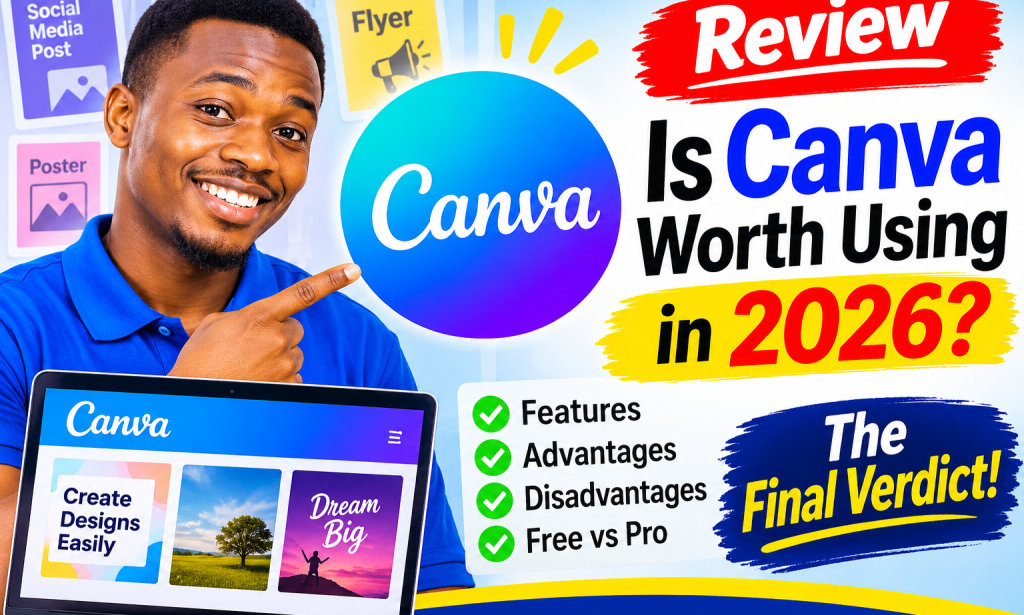
Have you ever wanted to create a professional-looking flyer, social media post, presentation, or business design but didn't know where to start? You are not alone. Many people want attractive designs but cannot afford expensive graphic design software or hire a professional designer for every small project.
This is where Canva comes in.
Canva has become one of the most popular online design platforms, especially among beginners, students, small business owners, content creators, and freelancers. But is it really worth using in 2026? What can you do with its free version, and where does it fall short?
In this review, we will examine its features, advantages, disadvantages, and whether it deserves a place among your everyday creative tools.
What Is Canva?
Canva is an online graphic design platform that allows users to create different types of visual content without needing advanced design knowledge.
Instead of starting every design from scratch, you can choose from thousands of templates and customize them to suit your needs.
Some things you can create with Canva include:
- Social media graphics and posts.
- Business flyers and promotional materials.
- YouTube thumbnails.
- Presentations and slideshows.
- Posters and invitations.
- Resumes and simple portfolios.
- Business cards and certificates.
Canva is available through its website and mobile applications, making it accessible on computers, tablets, and smartphones.
1. Ease of Use: One of Canva's Biggest Strengths
One thing that makes Canva attractive is its simple interface.
You don't need to understand complicated design software before using it. After creating an account, you can select a design category, choose a template, and begin editing.
The editor allows you to add text, change colours, upload pictures, insert shapes, and adjust different elements.
Most of these actions involve clicking or tapping and moving elements around the design.
For beginners, this makes the learning process considerably easier.
However, simplicity doesn't mean every feature is immediately obvious. New users may need some time to understand how layers, positioning, transparency, and other editing options work.
Overall, Canva does a good job of making graphic design less intimidating.
2. What Can You Do With the Free Version?
One reason many people try Canva is that it offers a free plan.
The free version provides access to basic design tools, templates, elements, and editing features. You can create useful designs without immediately paying for a subscription.
For someone starting a small business or managing social media pages, this can be enough.
However, not everything on Canva is free.
Some templates, stock photos, graphics, and advanced features require Canva Pro. If you select a premium element, you may need to replace it with a free alternative or pay to use it.
This is an important limitation to understand before starting a project.
The good news is that you can still produce attractive designs using only the free resources.
3. Canva for Business Owners and Freelancers
Canva is particularly useful for people running small businesses or offering online services.
Imagine owning a small clothing business. Instead of paying someone every time you need a promotional flyer, you can use Canva to create one yourself.
Freelancers can also use it to prepare portfolio presentations, service advertisements, business proposals, and social media content.
It can save time and reduce the cost of producing everyday marketing materials.
However, Canva is not a complete replacement for professional design software. Complex branding projects, advanced photo manipulation, and highly detailed illustrations may require more specialized tools.
4. Canva Mobile App Experience
Canva's mobile application makes it possible to work on designs directly from an Android or iPhone.
This is convenient for people who don't have regular access to a computer.
You can create a social media post, edit a presentation, or prepare a simple flyer while using your phone.
The mobile experience is generally useful, although editing complicated designs on a small screen can sometimes feel uncomfortable.
For simple projects, the mobile app is a practical option. For larger projects involving many elements, a computer may provide a more comfortable workspace.
5. Advantages of Canva
Here are some of the strongest reasons to consider using Canva:
Beginner-friendly: You don't need professional design experience to get started.
Free plan available: You can create many useful designs without paying for a subscription.
Ready-made templates: Templates reduce the time required to start a project.
Multiple design categories: It supports everything from presentations to social media graphics.
Mobile accessibility: You can work on designs using your smartphone.
Easy sharing: Designs can be downloaded or shared in supported formats.
6. Disadvantages of Canva
Despite its advantages, Canva has some limitations.
Premium restrictions: Some useful templates, graphics, and features are available only to paying subscribers.
Internet dependency: Many of its features rely on an internet connection, which can be inconvenient when connectivity is poor.
Limited advanced editing: Professionals who need detailed control over images and illustrations may find it restrictive.
Template similarities: Because many people use the same templates, designs can sometimes look repetitive unless you customize them.
Mobile editing limitations: Working on complex designs using a small phone screen can be challenging.
These disadvantages do not make Canva a bad platform, but they are worth considering before relying on it for every design project.
7. Is Canva Worth Using in 2026?
For beginners, students, freelancers, content creators, and small business owners, Canva remains a useful design platform.
Its free plan provides a convenient starting point, and its collection of templates makes creating everyday visual content much easier.
However, whether you should pay for Canva Pro depends on how frequently you use the platform and whether you actually need its premium features.
If the free version meets your needs, there is little reason to rush into a subscription.
Final Verdict
Canva is worth trying if you want an accessible way to create attractive designs without spending a lot of money.
It is not perfect, and its free version has limitations, but it offers enough useful features to make it a practical choice for everyday design work.
My recommendation is to start with the free version, explore its tools, and see whether it meets your needs before considering a paid plan.










































You must be logged in to post a comment.